
Building a Custom PPC Automation System With Google Ads API and Python
A technical blueprint for building a custom PPC automation system with the Google Ads API and Python, including auth, scripts, guardrails, and alerts.

The Google Ads UI covers the basics, third-party platforms cover the next layer, and somewhere past that is the custom tier where a Python service running against the Google Ads API becomes the cheapest option on the table. Paid-media teams often reach for an off-the-shelf rules engine, then outgrow it the moment their reporting needs stop looking like everyone else's. The build is less exotic than it looks. What it demands is discipline about authentication, query hygiene, modular code, and guardrails that keep automation accountable to CPL and ROAS rather than to raw activity.
This is a build spec, not a philosophy piece. If you want the strategic case for keeping humans in the loop, the companion read on automating Google Ads with AI covers that ground. What follows is the architecture that makes the automation worth trusting in the first place.
Authentication and Project Setup After the 2026 Reset
The access model changed this year, and anyone copying older tutorials will stall at the first API call. Google retired the developer token model on September 9, 2026, moving API access to the Google Cloud project that owns the OAuth client or service account, across four tiers: Test, Explorer, Basic, and Standard. Earlier in the year, an Explorer Access tier was introduced in February 2026 that auto-upgrades without an application but caps you at 2,880 operations per day on production accounts. Translation: you can prototype quickly, but any system touching more than a handful of accounts needs a Basic or Standard application in flight before launch.
Mechanically, the build looks like this:
- Create a Google Cloud project, enable the Google Ads API, and generate OAuth 2.0 credentials for a desktop application (or a service account if you are running headless in a container).
- Install the client library, which requires Python 3.9 or later from PyPI and handles credentials and service clients for you.
- Store the client_id, client_secret, refresh_token, developer_token (still needed during the transition window), and login_customer_id in a secrets manager, not a committed YAML file.
- Pin the API version in code. v20 sunsets on June 10, 2026, and anything older will begin to fail outright. Google also shifted to a monthly release cadence starting January 2026, with four major releases per year plus minor non-breaking ones, so your dependency updates belong on a calendar, not a quarterly whim.
GAQL Query Patterns That Pay for Themselves
The Google Ads Query Language is where most custom builds either shine or burn through quota. Three habits separate production code from a weekend script. First, select only the fields you intend to use. The gRPC response size is capped at 64 MB per response, and bloated SELECTs are the usual way to hit it. Second, prefer SearchStream over Search for anything larger than a page. The streaming method opens a single persistent connection and begins returning rows immediately, which matters when you are pulling a month of search_term_view data across dozens of accounts.
Third, structure your queries around the resource you actually need. Pulling campaign-level metrics from the campaign resource is cheap; pulling the same metrics by segmenting ad_group_ad rows and aggregating in Python is wasteful and slow. Build a small library of GAQL templates keyed by purpose:
- Pacing pull: campaign.id, campaign_budget.amount_micros, metrics.cost_micros from campaign, filtered by segments.date DURING TODAY.
- Lead-quality pull: ad_group_criterion.keyword.text, metrics.conversions, metrics.conversions_value, metrics.cost_micros from keyword_view over the last 14 days.
- Search-term audit: search_term_view.search_term, metrics.clicks, metrics.conversions from search_term_view, used to feed a negative-keyword proposal queue.
- Anomaly baseline: campaign.id, metrics.cost_micros, metrics.conversions from campaign segmented by segments.date for a trailing 28-day window.
If the automation is going to recommend or push negative keywords, pair this with the discipline from the piece on keyword cannibalization, because the API will happily let you add negatives that cannibalize converting traffic in a sibling ad group.
A Modular Script Architecture You Can Actually Maintain
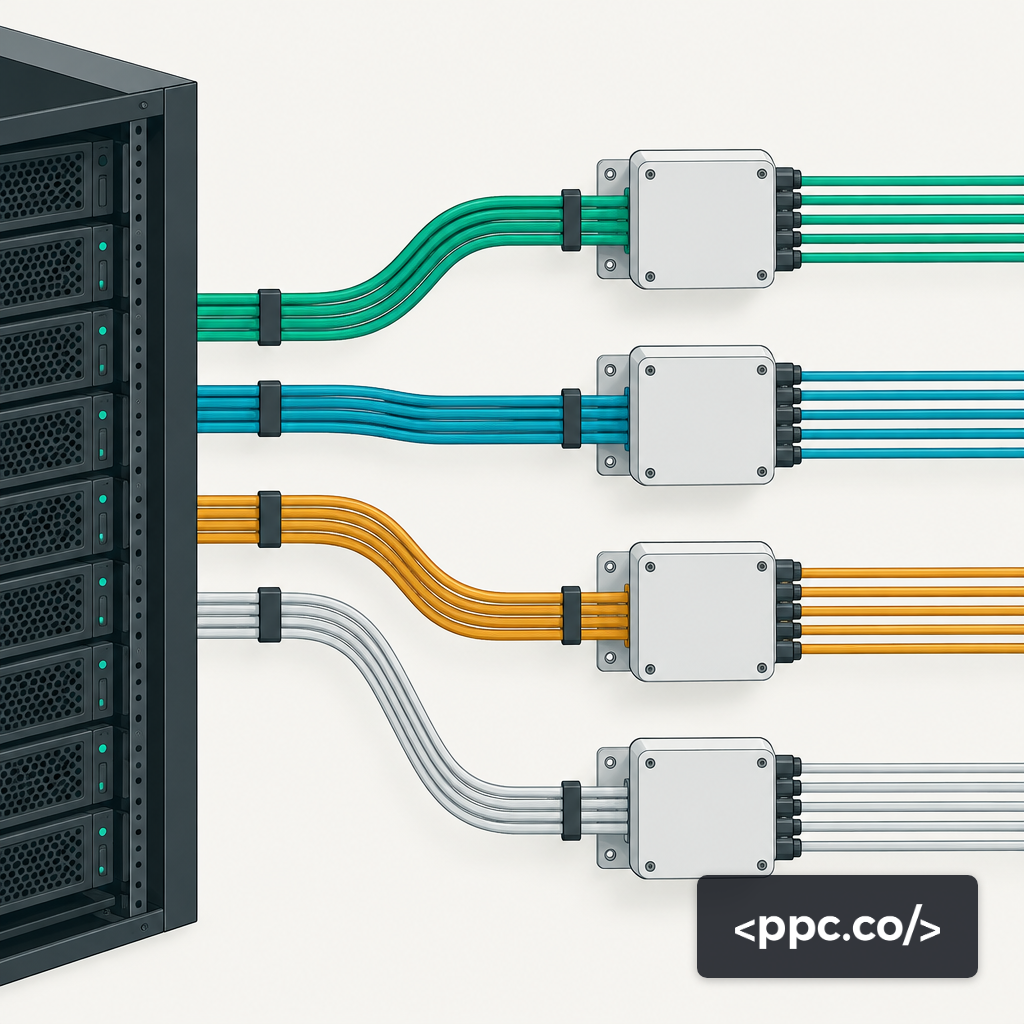
The failure mode here is a single 2,000-line script that does everything. By month three nobody remembers which function updates bids and which just logs. Split the system along interface boundaries, not along campaigns:
- auth/ — credential loading, token refresh, client factory. One module, one responsibility.
- queries/ — GAQL templates as plain strings with named parameters. No business logic.
- fetch/ — thin wrappers around SearchStream that return typed rows or pandas DataFrames.
- analyze/ — pacing math, anomaly detection, bid recommendations. Pure functions, fully testable without the API.
- mutate/ — the only module allowed to call MutateCampaigns, MutateAdGroupCriteria, and friends. Every call runs through a dry-run flag first.
- alerts/ — Slack, email, PagerDuty. The only module that talks to humans.
- orchestrator/ — the scheduler (Cloud Run, Airflow, or plain cron) that composes the above into jobs.
Mutate operations have hard ceilings worth designing around. The API limits mutate requests to 10,000 operations per request and 100 action operations per request, and exceeding either returns TOO_MANY_MUTATE_OPERATIONS. Your mutate module should batch, chunk, and retry with exponential backoff as a matter of course.
Budget Pacing and Anomaly Detection Logic
Pacing is a solved problem on paper and a mess in practice. The useful signal is not "is today's spend above the daily budget" but "is the trailing seven-day average spend tracking the month-to-date target given current conversion rate." Build pacing as a ratio: actual MTD spend divided by expected MTD spend at the current day of month. Flag anything outside 0.85 to 1.15 as drift and anything outside 0.70 to 1.30 as an incident.
Anomaly detection should be cheap and boring. For each campaign, compute a 28-day rolling median and median absolute deviation for cost, conversions, CPL, and ROAS. Flag any day where the value sits more than three MADs from the median. Robust statistics beat means and standard deviations here because a single traffic spike or one tracking outage will poison a mean-based baseline for a long stretch.
The output of this module should never be a direct bid change. It should be a structured event written to a queue, with the campaign ID, the metric, the deviation, and the suggested action. A separate approval step, human or policy-driven, decides whether to act. The deeper framing on this live-fire question is covered in what happens when AI takes over PPC management.
Guardrails Tied to CPL and ROAS Targets
Automation without guardrails is just a faster way to lose money. Every mutate operation should check three things before firing: a target band (CPL ceiling or ROAS floor by campaign), a change-magnitude cap (no single bid or budget change larger than, say, 20% per run), and a daily blast-radius cap (no more than N mutations per account per day). Store these thresholds in a config, not in code, and version them.
Logging is the other half. Every mutate call writes a row to a decisions log with timestamp, user or job, campaign, before value, after value, and the GAQL baseline that triggered it. When something goes sideways at 3 a.m., this log is what lets you unwind the damage in under an hour instead of a week. For a deeper read on how guardrails map to spend accountability, the guide to ROAS is the right companion.
When the Build Is Worth It
A custom Python plus Google Ads API system is not a universal recommendation. Accounts under roughly $50K per month in spend generally do fine with Smart Bidding, scripts, and a disciplined human. The build pays off when you are managing multiple accounts, running non-standard conversion models, feeding first-party data into bidding, or operating in verticals where off-the-shelf alerting misses the signals that actually matter. For teams weighing whether to build in-house or hand this layer to a specialist, the AI PPC service is designed for exactly that boundary. Build it when the data model is yours; outsource it when the complexity is operational rather than strategic.