
Pushing Salesforce SQLs, Opportunities, and Closed-Won Into Google Ads
How to wire Salesforce SQLs, Opportunities, and Closed-Won revenue into Google Ads so Smart Bidding optimizes for pipeline instead of form fills.

The median B2B sales cycle in 2026 runs about 84 days, with deals above $100,000 ACV taking 90 to 180+ days to close. That sits right against Google Ads' 90-day click-age ceiling for GCLID-based imports, which is why Salesforce accounts cannot rely on offline conversion imports alone.
The pieces that matter are GCLID capture on the Web-to-Lead form, a stage mapping that fires an SQL conversion only at the sales-accepted threshold, and a separate Closed-Won conversion action carrying revenue from Opportunity.Amount. Enhanced Conversions for Leads sits under all three as the matching layer when the cookie has aged out.
Capture GCLID on the Web-to-Lead Form
Create a custom text field named GCLID__c on both the Lead and Opportunity objects, and map it on Lead conversion so the ID carries forward when a Lead becomes an Opportunity. On the site, serve the Web-to-Lead HTML through your CMS or landing-page builder, and add a hidden input whose value reads from a first-party cookie set by your Google Ads tag or GTM container. The cookie should fire on any URL carrying a gclid query parameter and persist long enough to outlast the user's first visit.
Audits turn up two recurring failure modes. Form-filler platforms (Marketo, Pardot, Marketing Cloud Account Engagement) strip unknown parameters unless the field is pre-declared on the form schema, so GCLID writes silently fail. And the ID gets written to the Lead record but is never copied to the Opportunity on conversion, which breaks the chain the moment a Lead moves forward. A short PPC audit that pulls a week of lead rows and checks GCLID population per paid source is a 30-minute test worth running before anything downstream is built.
Map Three Stages to Three Conversion Actions
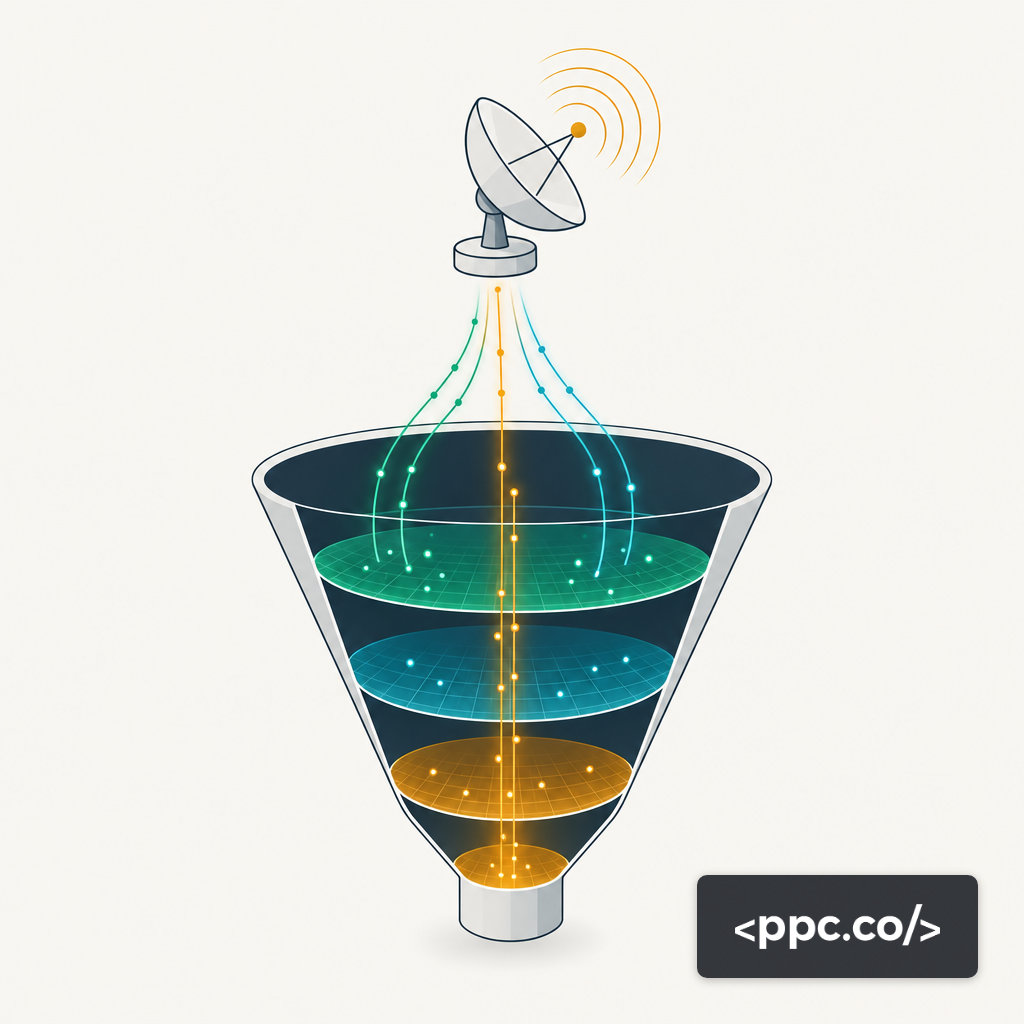
Lead creation, SQL, and Closed-Won should each be a distinct conversion action in Google Ads, not three values stacked under one. Lead creation imports as an observation-only action, which lets Smart Bidding see volume without bidding to it. SQL becomes the primary conversion when Closed-Won volume is too thin for the bidding model to learn from. Closed-Won carries dynamic revenue pulled from Opportunity.Amount.
Each conversion action needs its category set correctly in the Google Ads UI (Qualified lead, Submit lead form, Purchase), a count setting of one per interaction, and a click-through window long enough to cover the stage's typical dwell. For B2B SaaS on an inbound motion, that often means 30 days to SQL and 90 days to Closed-Won. Stage mapping also means defining the exact Salesforce picklist value that triggers each upload, not a vague "accepted" heuristic. Otherwise sales ops renames a stage and the whole import breaks.
Industry-level data on how many leads reach Opportunity matters because it tells you which stage Smart Bidding needs as its signal. The lower the survival rate, the earlier in the funnel the bidding model needs its feedback, which is also why rolling MQL volume into Closed-Won reporting is a common failure mode in B2B accounts.
Ship Closed-Won Revenue as a Distinct Conversion Action
Inside Google Ads, create a new conversion action, set its category to Purchase, enable "Use different values for each conversion," and leave the default value at zero. The revenue arrives from Salesforce: when an Opportunity reaches Closed-Won, your sync job reads Opportunity.Amount, Opportunity.CloseDate, and GCLID__c, then uploads the conversion through Google's Data Manager. The legacy native Salesforce connector and direct Google Ads API uploads were cut off for most accounts in mid-2026, so Data Manager is the route unless the account holds an allowlist token.
Three mistakes recur in this setup:
- Leaving "Include in Conversions" on for both SQL and Closed-Won, which double-counts in reporting and poisons tROAS math.
- Using static conversion values (a flat $10K per Closed-Won) instead of pulling Opportunity.Amount, which blinds bidding to deal-size variance.
- Uploading against the Opportunity creation date rather than original click time, which Data Manager rejects on ingest.
The upload needs the original GCLID plus the actual conversion time, not the Opportunity's internal timeline.
Point Smart Bidding at Pipeline Value
The Conversion Goals panel on each campaign is where this becomes operational. Promote Closed-Won revenue to the primary conversion goal, mark SQL as secondary, and leave MQL as account-level observation. Then move the campaigns to Target ROAS or Maximize Conversion Value rather than Target CPA. The bidding model has to see revenue signals to bid on them, and an AI-driven bidding strategy only pays off when the conversion stream it trains on reflects pipeline economics.
If weekly Closed-Won volume per campaign sits below Google's bidding-floor guidance of 15 conversions, use Salesforce's own Probability field as a weighting layer. A $120K Opportunity at the Proposal stage uploads as a conversion valued at Amount × Probability, which gives Smart Bidding a revenue-weighted signal without waiting out the full sales cycle. SQL and Closed-Won still go up as separate conversion actions with their own values, not the same action with different amounts, or the bidding model will treat the mix as noise.
The 90-Day Cliff and Enhanced Conversions for Leads
GCLID import has a hard click-age ceiling: Google will not accept a conversion more than 90 days after the original click. Any Opportunity that closes past that window has an effectively dead GCLID. Enhanced Conversions for Leads is the backstop. It sends SHA-256-hashed email, phone, and first and last name alongside the conversion event, and Google re-matches against a logged-in user rather than a browser cookie. Advertisers using enhanced conversions see an 11% increase in Search conversions on average versus standard imports, and those connecting offline and app data to Data Manager realize a 26% increase in incremental ROAS.
Two caveats hold. Match rates typically fall between 30% and 70% depending on data quality, which means some Closed-Won revenue goes unattributed no matter how clean the plumbing is. And the hashed identifiers must come from the Salesforce record at upload time, not from the lead-form submission months earlier, so the sync job sends user_data at upload, not at creation. An enhanced conversions audit catches drift when a form change breaks the user-data payload.
Where This Breaks Down for Enterprise Cycles
None of this holds together for 180+ day cycles. A $500K enterprise deal that takes 270 days to close will miss both the GCLID window and the enhanced-conversions match window, no matter how tight the integration is.
Three options are honest for deals that run past the window:
- Bid on an earlier stage. An SQL conversion firing inside the 90-day window with Amount × Probability as its value gives Smart Bidding a learnable signal at the right time.
- Feed Closed-Won records into Customer Match audiences so the data still powers targeting even when it cannot power bidding.
- Build attribution outside Google Ads. A GA4 to BigQuery pipeline lets you join click data to Opportunity records on your own schema, which is how enterprise teams reconcile what Google Ads cannot see on its own.
Picking the Right Path by Cycle Length
If typical deals close inside 90 days, run GCLID capture on Web-to-Lead with Enhanced Conversions for Leads active, import SQL as the primary conversion, and ship Closed-Won revenue as a secondary action with Opportunity.Amount as the dynamic value. If deals routinely stretch past 90 days, bid on an earlier pipeline stage weighted by Salesforce's Probability field and treat Closed-Won imports as a reporting layer rather than training data. If Google Ads and Salesforce disagree on conversion counts despite a working integration, start on the Web-to-Lead path. That is where Salesforce setups most often break before the rest of the stack has a chance to carry signal.