
Google Ads Offline Conversion Tracking on a Custom CRM Build
What it actually costs to wire Google Ads offline conversion tracking into a custom CRM like ERP.io, plus the failure modes that quietly wreck Smart Bidding.

To track Google Ads offline conversions on a custom build like ERP.io, capture the GCLID on every form submission, store it against the lead with consent state, and push converted deals back to Google Ads via the ConversionUploadService.
Almost every production failure happens in the capture, persistence, or consent legs, not in the upload call itself.
What follows is the engineering cost picture for a bespoke build, the architectural tradeoffs between offline conversion import (OCI) and Enhanced Conversions for Leads, and the breakage patterns that show up in Smart Bidding before anyone on the growth team notices the pipe has stopped.
What Actually Breaks in a Custom CRM Pipeline
A packaged CRM with native connectors hides three layers of work that a custom ERP.io build has to specify by hand: identifier capture, consent gating, and upload queueing. Each one has its own failure mode and its own blind spot in telemetry.
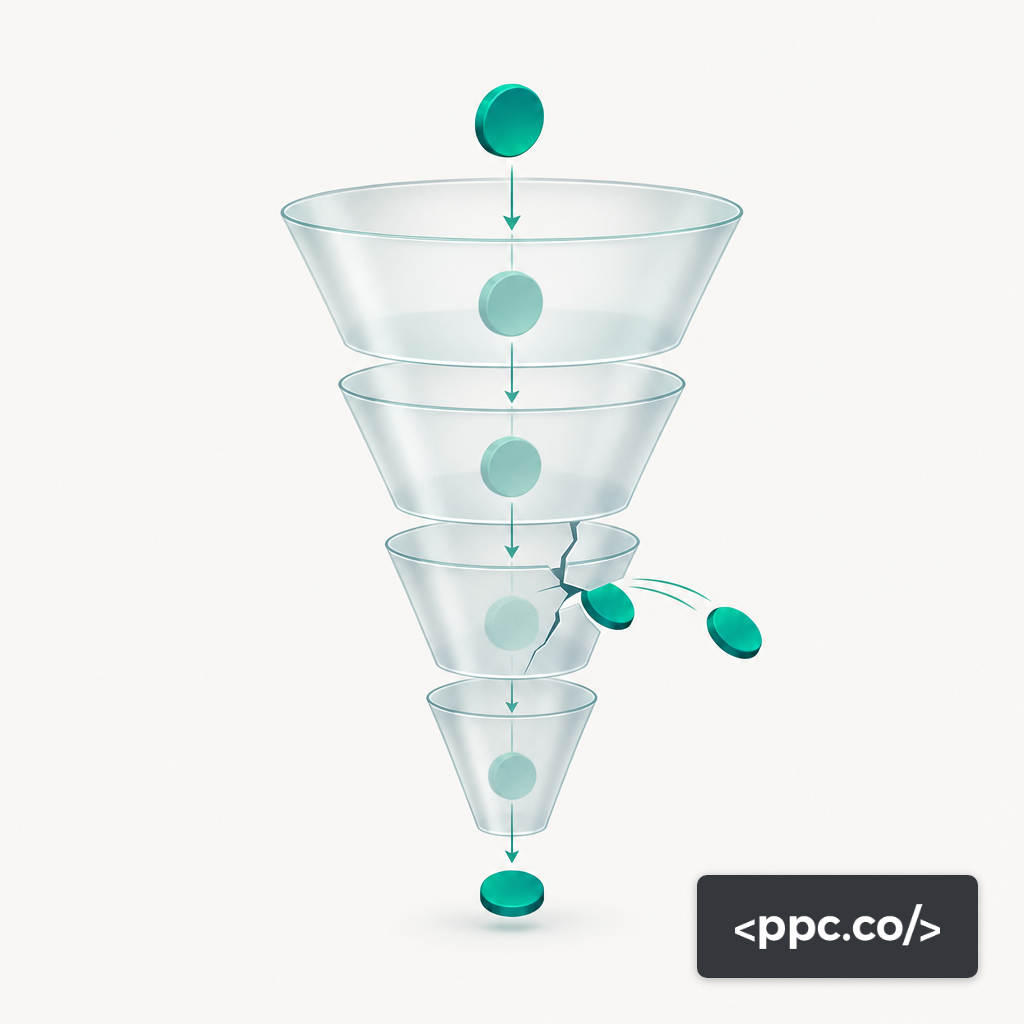
Identifier capture breaks when a landing-page redirect, an iframe'd form, or a single-page-app route change drops the gclid parameter before it reaches the backend. Consent gating breaks when the CRM stores a lead but no record of whether the user granted ad_user_data and ad_personalization under Consent Mode v2, which leaves the upload service with no legal basis to accept the match. Upload queueing breaks when a nightly batch retries a stale GCLID past the 90-day attribution window and the API accepts the call while Google Ads silently discards it.
Each of these produces a successful HTTP 200 from the API. None of them produces a conversion in the account. That asymmetry is what makes a custom integration deceptively stable until the bidding algorithm starts starving.
GCLID Capture, Consent Mode, and Persistence
The GCLID has to survive from paid click to signed contract, which on a custom stack means a persistence chain that is usually four hops long: URL parameter, first-party cookie, hidden form field, CRM lead record. Each hop is a place to lose the identifier. Server-side tag deployments mitigate one of those hops by capturing the parameter before the client has a chance to redirect or strip it, which is part of why teams increasingly route conversions through server-side Google Tag Manager even when their CRM is custom.
Consent Mode v2 adds a parallel column to that chain. For ERP.io, the practical requirement is a consent_state JSON object on every lead that preserves the four Consent Mode signals at the moment of form submission. Without that column, the OCI upload has no defensible legal basis, and GA4 modeled conversions divert from the paid credit the Smart Bidding model needs.
A realistic target for AI-driven bidding to work on a lead-gen account is a GCLID capture rate of at least 70% of inbound form submissions, with email deliverability at 95% or better to keep Enhanced Conversions matching functional on the leads where the click ID did not survive.
OCI vs Enhanced Conversions for Leads on a Custom Stack
The two methods are not substitutes. Offline Conversion Import uses the GCLID as a deterministic key — when the click ID survives, the match is effectively exact. Enhanced Conversions for Leads uses hashed PII (email, phone, name, address) and relies on Google's own identity graph to reconcile the upload to a prior click. Google has reported that Enhanced Conversions drove a median 5% conversion-rate lift on Search and 17% on YouTube for early adopters, which is the strongest case for running it alongside OCI rather than instead of it.
On a custom build, the architectural split tends to settle like this: OCI is the primary signal for leads where GCLID was captured and consent was granted; ECL is the fallback for leads where GCLID was lost or where the user cleared cookies between click and conversion. That dual path is what an Enhanced Conversions for Leads audit is checking for, and it is the reason the Google conversion management surface exposes both endpoints in the same service.
Real Engineering Cost on an ERP.io Build
The published range for a custom CRM with Google Ads integrations is between 1,750 and 3,400 development hours, with a single API integration alone landing between $2,000 and $10,000 at the component level. For an ERP.io build, a realistic decomposition for the offline conversion subsystem is four workstreams: GCLID capture plumbing, consent-state storage and retrieval, the ConversionUploadService client itself, and the reconciliation job that marks leads as uploaded so they are not sent twice.
The ConversionUploadService client is the smallest piece. Google Ads API caps each UploadClickConversions request at 2,000 conversions per call, which forces a batching layer but keeps the client itself modest. The reconciliation job tends to swallow the hours: it has to handle partial failures, deduplicate against the GCLID and conversion action pair, and expose a replay queue for the operations team.
Accounts on Basic access to the Google Ads API are also bounded by a 15,000 operations per day rolling cap, which is rarely a problem for conversion uploads alone but becomes one once the same project is also syncing customer match lists or audience segments.
How the Pipe Breaks Without Telling You
The failure modes that cost the most money are the ones that do not throw errors. A webhook that silently drops the gclid field because an ERP.io schema migration renamed the column will still return 200 to the form handler. A consent banner that defaults ad_user_data to denied after a GDPR update will still let the lead save. A nightly batch job that pulls deals closed in the last 24 hours will still report success when the underlying SQL filter was off by a timezone and returned an empty set.
The discrepancy pattern between CRM-held conversions and Google Ads reporting is usually the first external signal, but by the time it shows up in a weekly report the bidding model has already been drifting for one to two weeks. The diagnostic chain runs the other direction: start at the Google Ads conversion action and walk backward through the API logs, the CRM upload queue, the consent record, and finally the GCLID itself.
Bidding Degradation Signals That Point to Tracking
Smart Bidding starves predictably when the offline signal degrades. The sequence is CPC compression inside the target bid, then impression-share loss on non-brand terms, then a CPA drop that looks like a win for 48 hours before volume collapses. If a Target CPA campaign posts a 20% CPA improvement on 30% fewer conversions in the same week, the first hypothesis should be missing uploads, not a market shift.
The audit protocol that catches this early looks at three things: the daily count of conversions uploaded via the API, the match rate reported in the Google Ads diagnostics panel, and the ratio of GCLID-attributed to ECL-attributed conversions. A sudden shift in that ratio toward ECL usually means GCLID capture broke upstream, not that ECL got better.
Choosing the Path for Your Stack
Run OCI as the primary with ECL as the fallback if the ERP.io team can commit engineering hours to GCLID persistence, consent-state storage, and a reconciliation job with a replay queue. Run ECL alone if the integration budget is capped near the low end of the single-connector range and the sales cycle is short enough that PII-based matching inside Google's 63-day window will cover most closed deals. Run a managed path through a packaged CRM like HubSpot if the forecast conversion volume does not justify 1,750-plus development hours against a bespoke build at all.